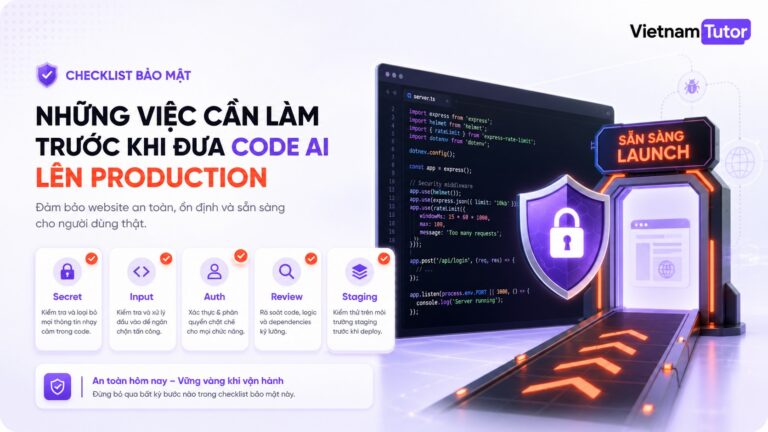
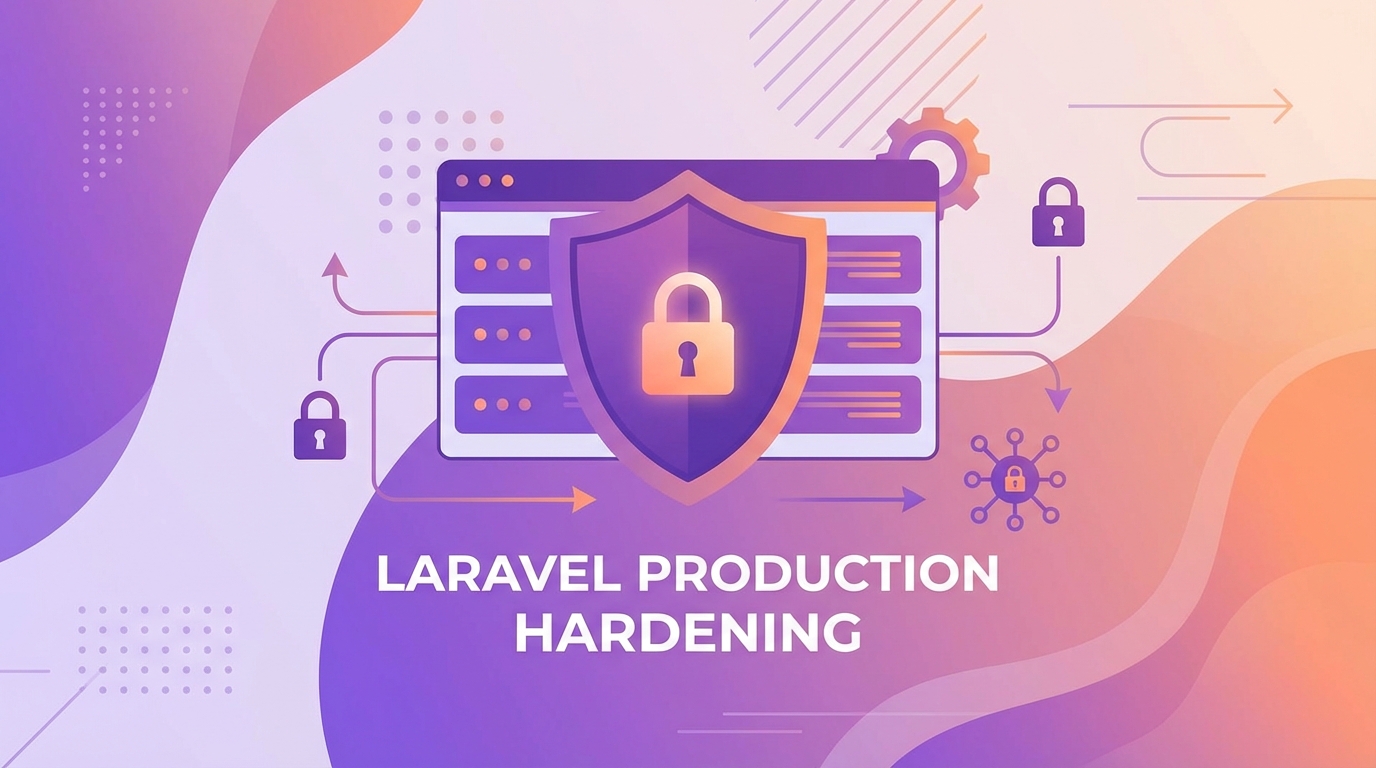
Tóm tắt nhanh
- APP_ENV=production, APP_DEBUG=false — KHÔNG thể thiếu
- HTTPS everywhere với SSL/TLS đúng cách
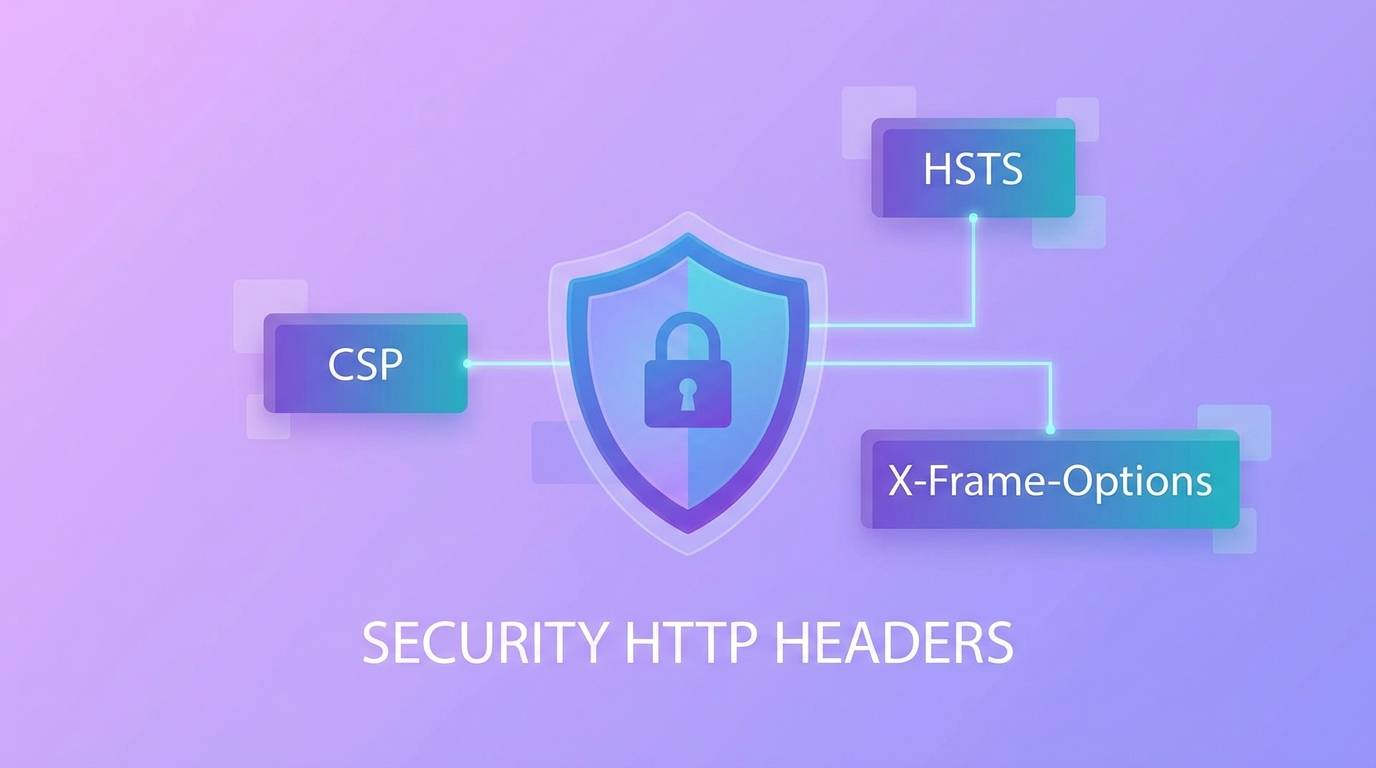
- Security headers: CSP, HSTS, X-Frame-Options
- Rate limiting chống brute force
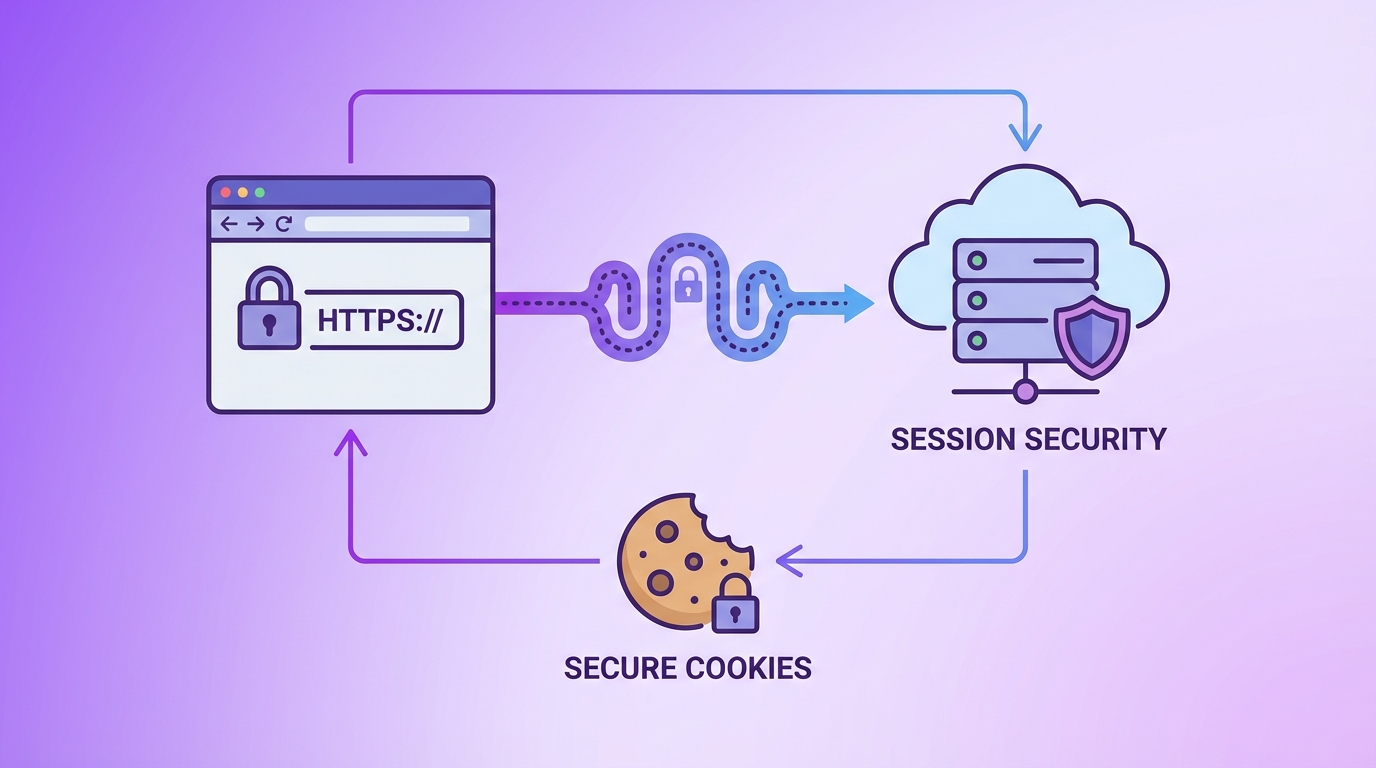
- Secure session và cookie configuration
- Database security: permissions, encryption
- File permissions đúng chuẩn
- Logging và monitoring anomalies
- Disable unnecessary features
- Regular security audits
Bạn đã deploy Laravel lên production nhưng có chắc application đủ bảo mật chưa? [1] hardening không phải là tùy chọn — đây là điều bắt buộc để bảo vệ user và data. Nếu bạn chưa đọc, hãy xem bài Bảo Mật Laravel: 10 Lỗi Phổ Biến trước nhé! Trong bài này, mình sẽ chia sẻ checklist hardening Laravel production toàn diện.
Cấu hình Application
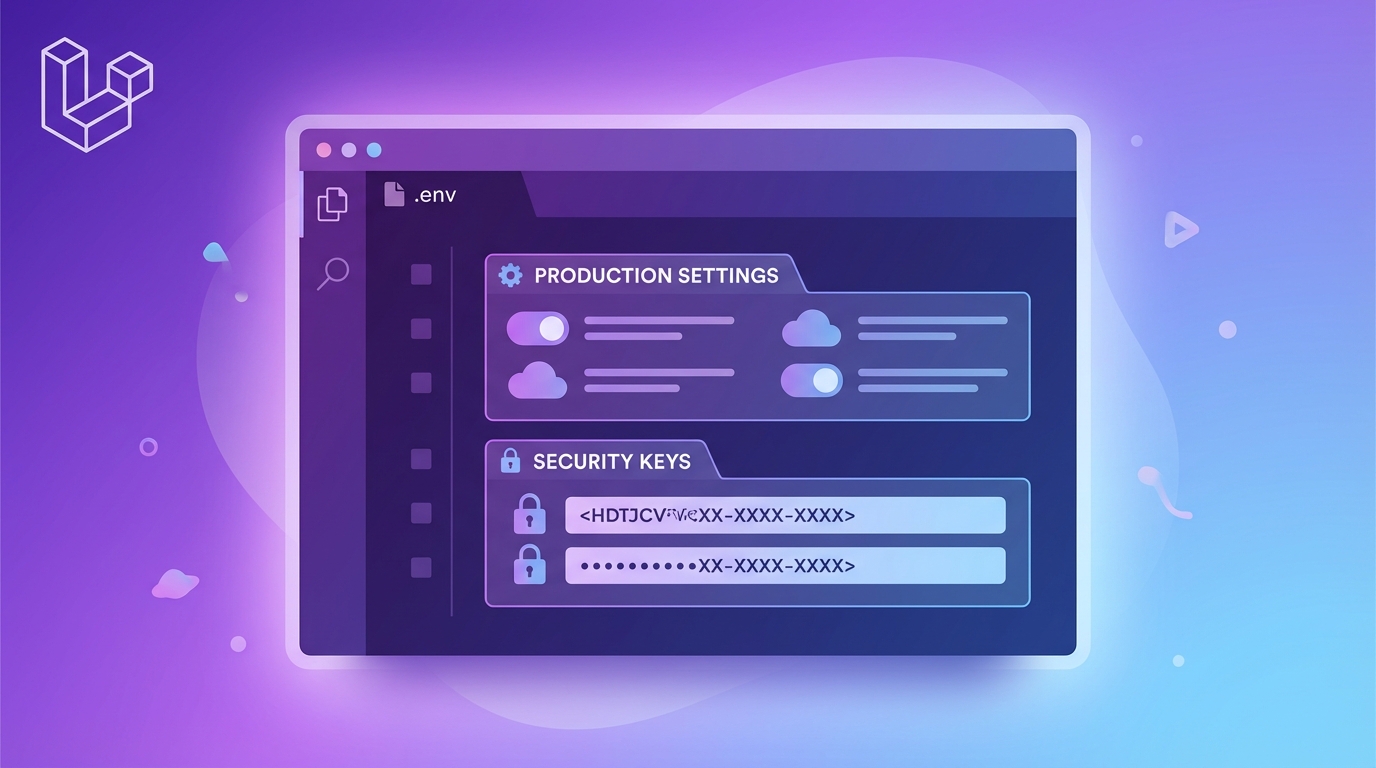
Đây là bước đầu tiên và quan trọng nhất.
.env
APP_ENV=production
APP_DEBUG=false
APP_URL=https://yourdomain.com
Các bước cần làm:
- Set APP_ENV=production: Ngăn Laravel hiển thị detailed errors
- APP_DEBUG=false: Không expose secrets
- Cache config:
php artisan config:cache - Optimize autoloader:
composer install --optimize-autoloader
HTTPS và SSL
KHÔNG deploy Laravel mà không có HTTPS.
Cấu hình SSL redirect trong nginx:
server {
    listen 80;
    server_name yourdomain.com;
    return 301 https://$server_name$request_uri;
}
Hoặc dùng Laravel’s force HTTPS:
// app/Http/Middleware/TrustProxies.php
protected $proxies = '*';

// AppServiceProvider boot()
if ($this->app->environment('production')) {
    URL::forceScheme('https');
}
Đừng quên:
- Renew SSL certificates tự động (Let’s Encrypt)
- HSTS headers để force HTTPS permanent
- SSL certificate từ trusted CA
Security Headers
Security headers bảo vệ against common attacks.
// config/cors.php
'paths' => ['api/*'],
'allowed_methods' => ['GET', 'POST', 'PUT', 'DELETE'],
'allowed_origins' => ['https://yourdomain.com'],
'allowed_origins_patterns' => [],
'allowed_headers' => ['X-Requested-With', 'Content-Type', 'Accept', 'Authorization'],
'exposed_headers' => [],
'max_age' => 3600,
'supports_credentials' => true,
Thêm via middleware hoặc nginx:
add_header X-Frame-Options "SAMEORIGIN" always;
add_header X-Content-Type-Options "nosniff" always;
add_header X-XSS-Protection "1; mode=block" always;
add_header Referrer-Policy "strict-origin-when-cross-origin" always;
Tip: CSP (Content Security Policy) rất quan trọng để ngăn XSS. Hãy cấu hình cẩn thận!
Rate Limiting
Rate limiting ngăn brute force và DoS attacks.
// app/Providers/RouteServiceProvider.php
protected function configureRateLimiting()
{
    RateLimiter::for('api', function (Request $request) {
        return Limit::perMinute(60)->by($request->user()?->id ?: $request->ip());
    });

    RateLimiter::for('login', function (Request $request) {
        return Limit::perMinute(5)->by($request->email);
    });
}
Áp dụng vào routes:
Route::middleware(['throttle:api'])->group(function () {
    Route::get('/users', [UserController::class, 'index']);
});
Session Security
Cấu hình session secure để ngăn hijacking.
// config/session.php
'driver' => env('SESSION_DRIVER', 'database'),
'lifetime' => env('SESSION_LIFETIME', 120),
'expire_on_close' => true,
'encrypt' => true,
'cookie' => 'laravel_session',
'path' => '/',
'domain' => env('SESSION_DOMAIN'),
'secure' => env('SESSION_SECURE_COOKIE', true),
'http_only' => true,
'same_site' => 'strict',
'partitioned' => true,
Regenerate session sau login:
// LoginController
protected function authenticated(Request $request, $user)
{
    $request->session()->regenerate();
}
Database Security
Bảo vệ database không kém phần quan trọng.
- User permissions: Chỉ grant quyền cần thiết, không dùng root
- SSL connections: Bắt buộc SSL cho database connections
- Encryption at rest: Encrypt sensitive data
- Regular backups: Backup và test restore
// config/database.php
'mysql' => [
    'driver' => 'mysql',
    'host' => env('DB_HOST'),
    'database' => env('DB_DATABASE'),
    'username' => env('DB_USERNAME'),
    'password' => env('DB_PASSWORD'),
    'options' => [
        PDO::MYSQL_ATTR_SSL_CA => '/path/to/ca-cert.pem',
        PDO::MYSQL_ATTR_SSL_VERIFY_SERVER_CERT => true,
    ],
],
File Permissions
Đúng permissions ngăn unauthorized access.
chown -R www-data:www-data /var/www/html/laravel
chmod -R 755 /var/www/html/laravel
chmod -R 775 /var/www/html/laravel/storage /var/www/html/laravel/bootstrap/cache
Kiểm tra:
ls -la bootstrap/cache
ls -la storage/logs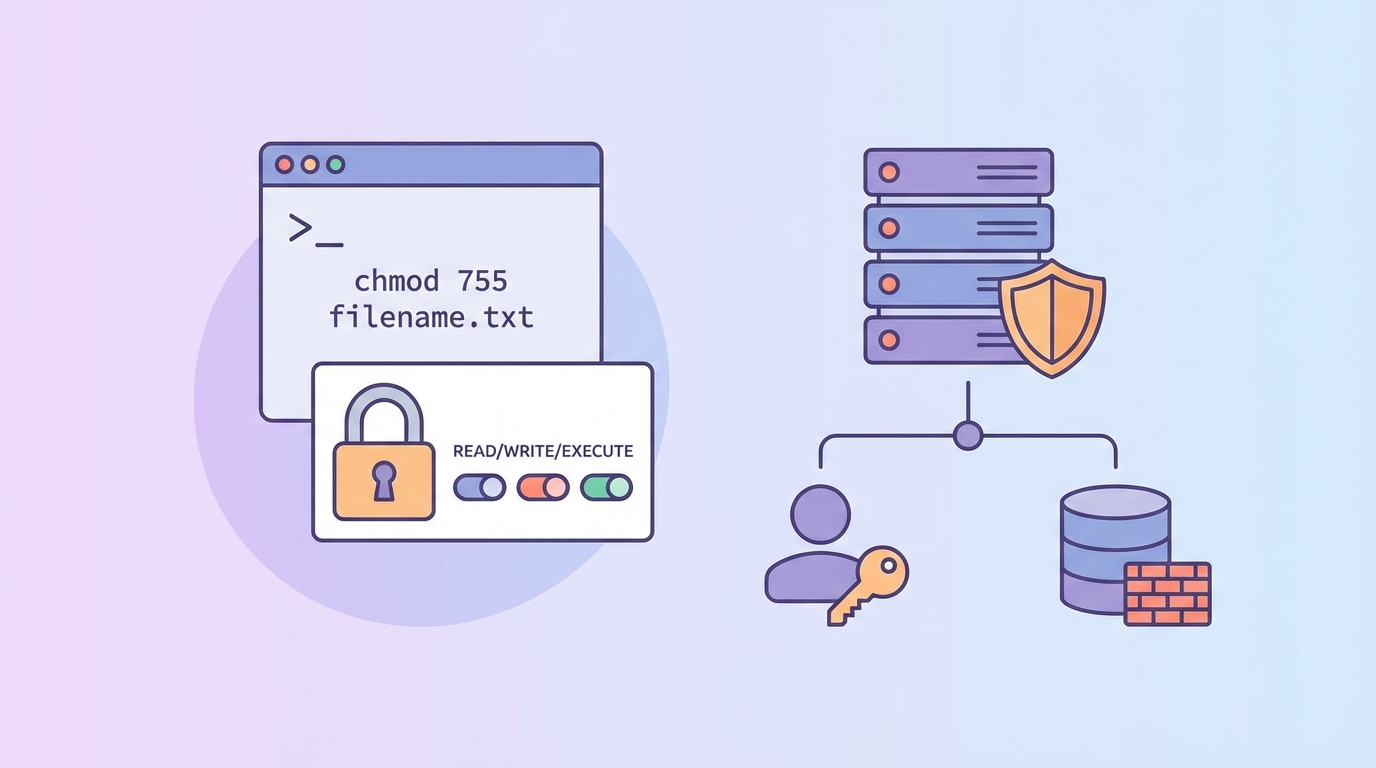
Logging và Monitoring
Logging giúp phát hiện attacks sớm.
// config/logging.php
'stack' => [
    'driver' => 'stack',
    'channels' => ['daily', 'slack'],
    'ignore_exceptions' => false,
],

'daily' => [
    'driver' => 'daily',
    'path' => storage_path('logs/laravel.log'),
    'level' => 'debug',
    'days' => 14,
],

' Slack' => [
    'driver' => 'slack',
    'url' => env('LOG_SLACK_WEBHOOK_URL'),
    'username' => 'Laravel App',
    'emoji' => ':boom:',
    'level' => 'error',
],
Giám sát:
- Failed login attempts
- Unexpected API calls
- Large data exports
- Admin actions
Disable Unnecessary Features
Tắt features không dùng để giảm attack surface.
// config/app.php
'debug' => (bool) env('APP_DEBUG', false),
'url' => env('APP_URL', 'https://yourdomain.com'),
'locale' => 'vi',
'fallback_locale' => 'en',
'faker_locale' => 'vi_VN',

// Disable if not using
'providers' => [
    // Comment out if not using
    // Laravel\Socialite\SocialiteServiceProvider::class,
    // Laravel\Tinker\TinkerServiceProvider::class,
],
Thú vị nhỉ! Nhiều breaches xảy ra vì unused features bị exploit. Tắt đi những gì không dùng!
Tổng kết
Hardening Laravel production là ongoing process, không phải one-time task:
- APP_ENV=production, APP_DEBUG=false
- HTTPS everywhere với valid SSL
- Security headers: CSP, HSTS, X-Frame-Options
- Rate limiting cho auth và API routes
- Secure session configuration
- Database security với SSL
- Correct file permissions
- Logging và monitoring
- Disable unused features
- Regular security audits
Kết hợp với các bài về Bảo Mật Laravel: 10 Lỗi Phổ Biến và Authentication & Authorization, bạn sẽ có hệ thống bảo mật toàn diện.
Nếu có câu hỏi → để lại comment nhé!
Nguồn tham khảo
- Benjamin Crozat – Laravel Security Best Practices
- Nuffing – Security Blueprint for Enterprise Laravel
Các câu hỏi thường gặp
APP_DEBUG nên để giá trị gì trên production?
LUÔN để APP_DEBUG=false trên production. True sẽ expose toàn bộ stack traces, database credentials, và environment variables cho attacker.
Cần security headers nào cho Laravel?
Tối thiểu: X-Frame-Options, X-Content-Type-Options, X-XSS-Protection. Tốt nhất thêm: CSP (Content Security Policy), HSTS, Referrer-Policy.
File permissions đúng cho Laravel là gì?
Directories: 755, Files: 644. Riêng storage/ và bootstrap/cache: 775 với owner là web server user. KHÔNG BAO GIỜ chmod 777.
Rate limiting cần cấu hình cho những routes nào?
Rate limit: auth routes (login, register, password reset) – 5 attempts/minute; API routes – 60 requests/minute; public forms – tùy use case.
Làm sao để logging hiệu quả trên production?
Dùng daily log rotation, log vào Slack cho errors, theo dõi failed logins, admin actions, và unexpected API calls. Đặt level ‘error’ cho production.